 Schemio

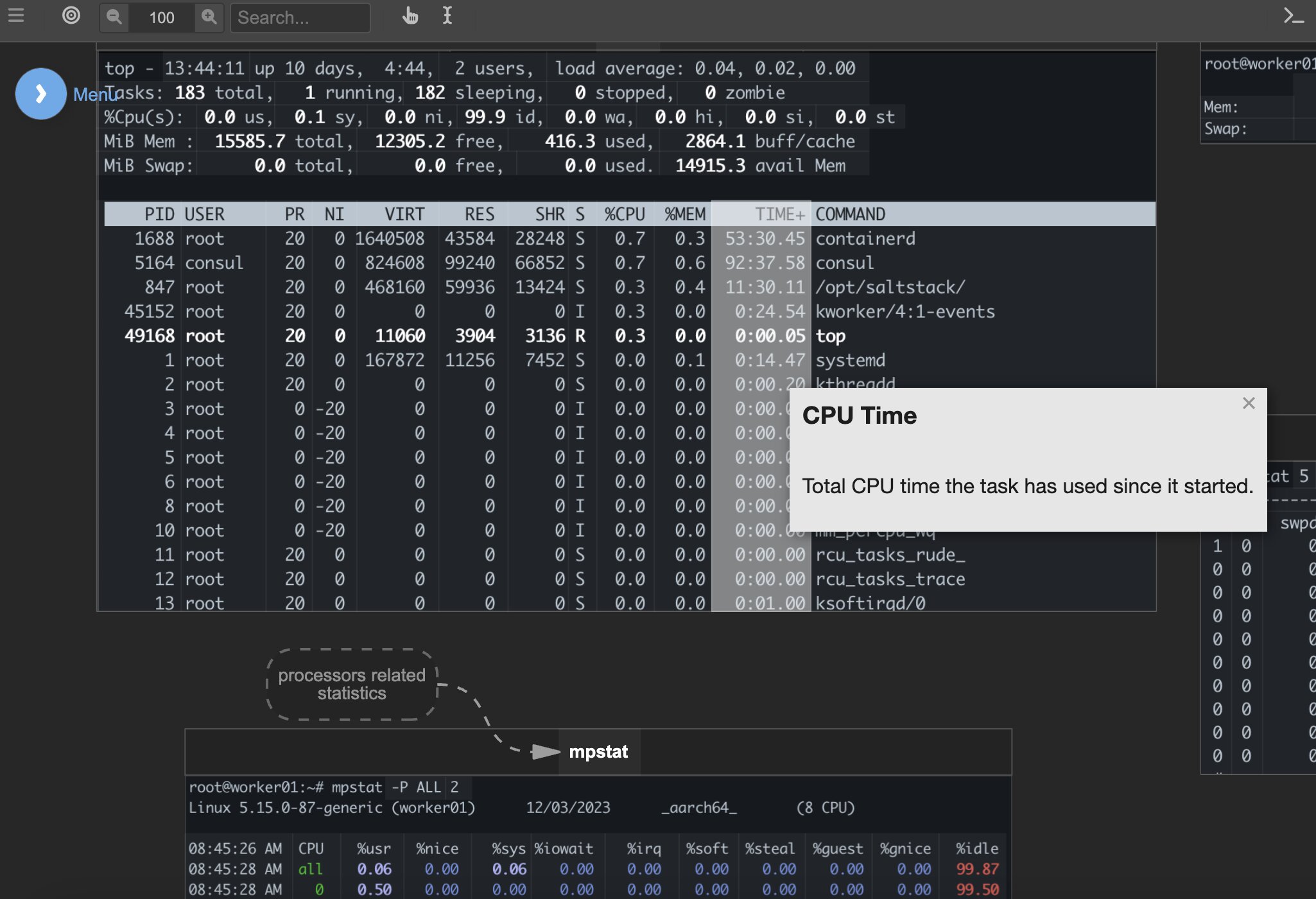

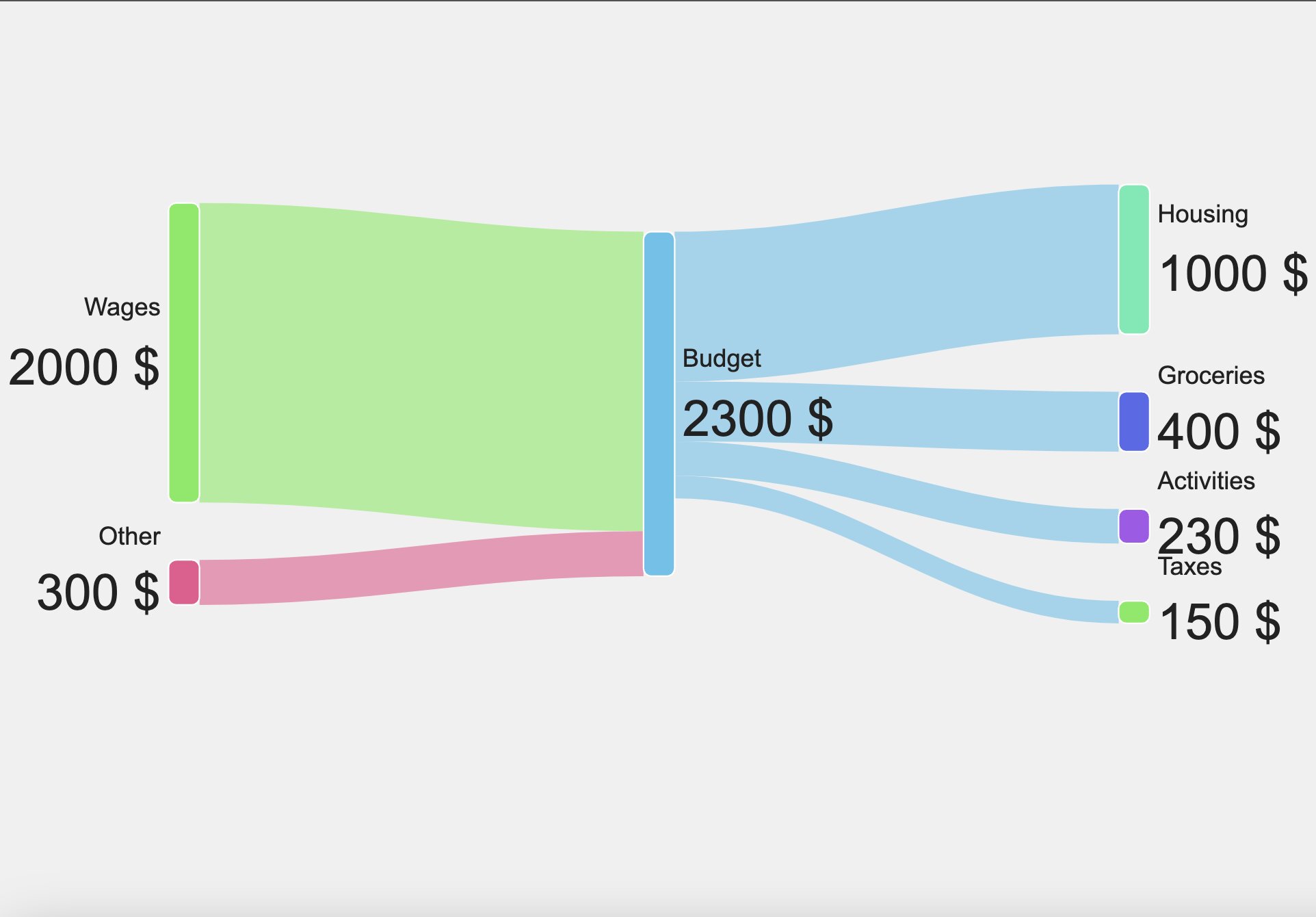
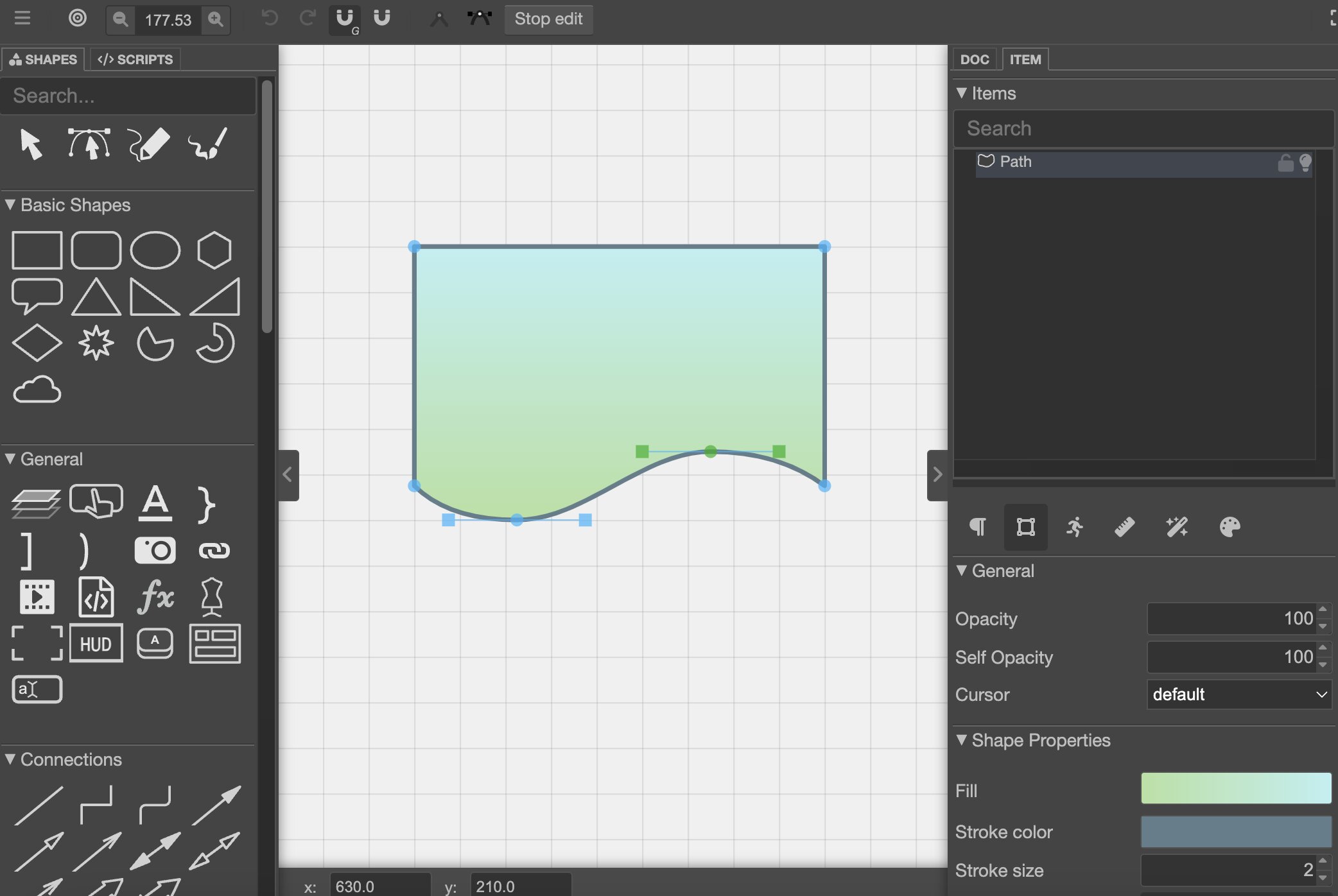


Connect your diagrams to create an infinite learning experience. Zoom into any subject of interest and load additional diagrams with ease

Make any object in your diagram interactive by assigning mouse events, adding links and descriptions, or enabling drag-and-drop

Schemio is more than just a diagramming app—it's also a tool for building interactive prototypes.

Create engaging demonstrations and presentations with interactive elements like sliders, movable objects, text fields, and more.

Schemio provides built-in animations and a powerful frame animation editor.

Want more flexibility in your diagrams? Try scripting! Build complex logic effortlessly with the help of SchemioScript

Use pre-built templates for complex demonstrations like "Slide Show", "Tabs Panel", "Layered Diagram", and more. Alternatively, create custom templates and reuse them across multiple documents.

Position items with flexible constraints to create layouts that adjust automatically

Organize projects, invite collaborators, and let others contribute to your diagrams through patch requests.

Shadow, glowing effect, blur, object repeating, color adjustment and more.

Create custom shapes with ease using the SVG path editor

Components let you reuse complex objects, automatically reflecting any changes made to the original source.

Need to display complex math expressions in your interactive learning demos?

Ideal for menus that stay fixed in the same position, no matter how you zoom or move the screen.

Enable object dragging in your demos, such as sliders, modals, or even puzzles.
No account needed to share diagrams. After saving, get a unique link with an access key for updates. Keep it safe, only share if you want others to edit
Utilize your Google Drive for storage if you wish to keep your diagrams private and not share them with others
